Updated: 15 Apr 2026
Looks and feel
Below we included a thesis converted from markdown to latex using our template. The same four pages are included for the Typst template for easy comparison.
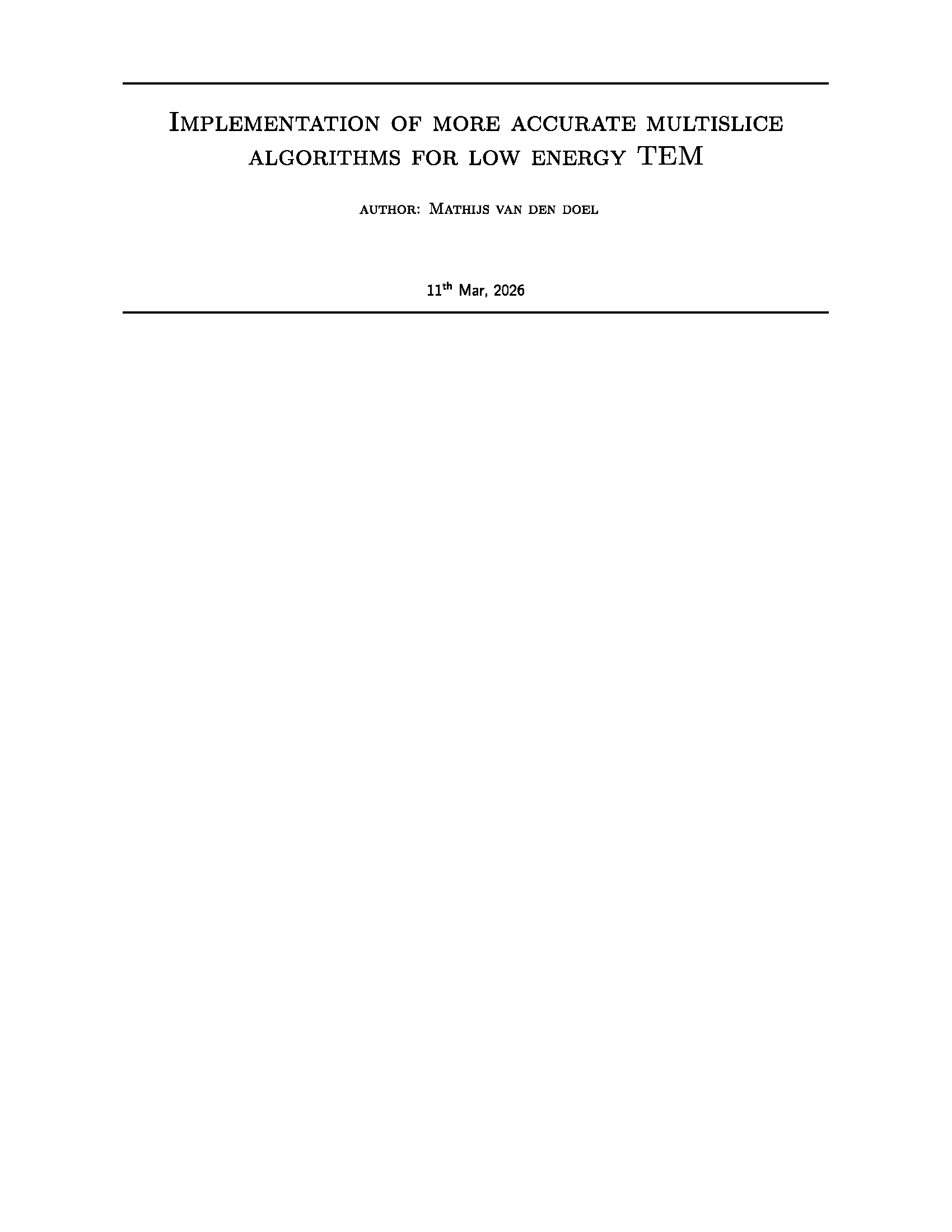
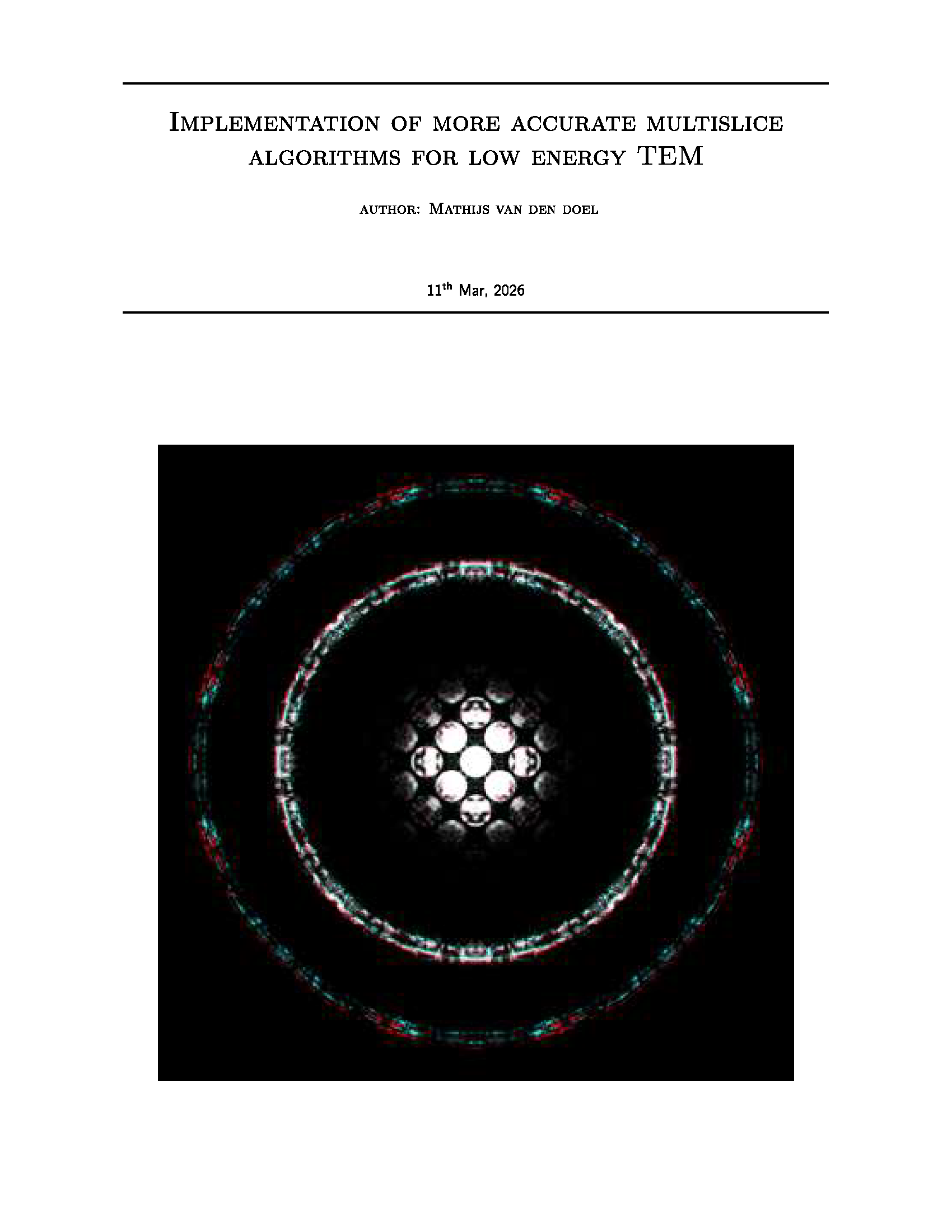
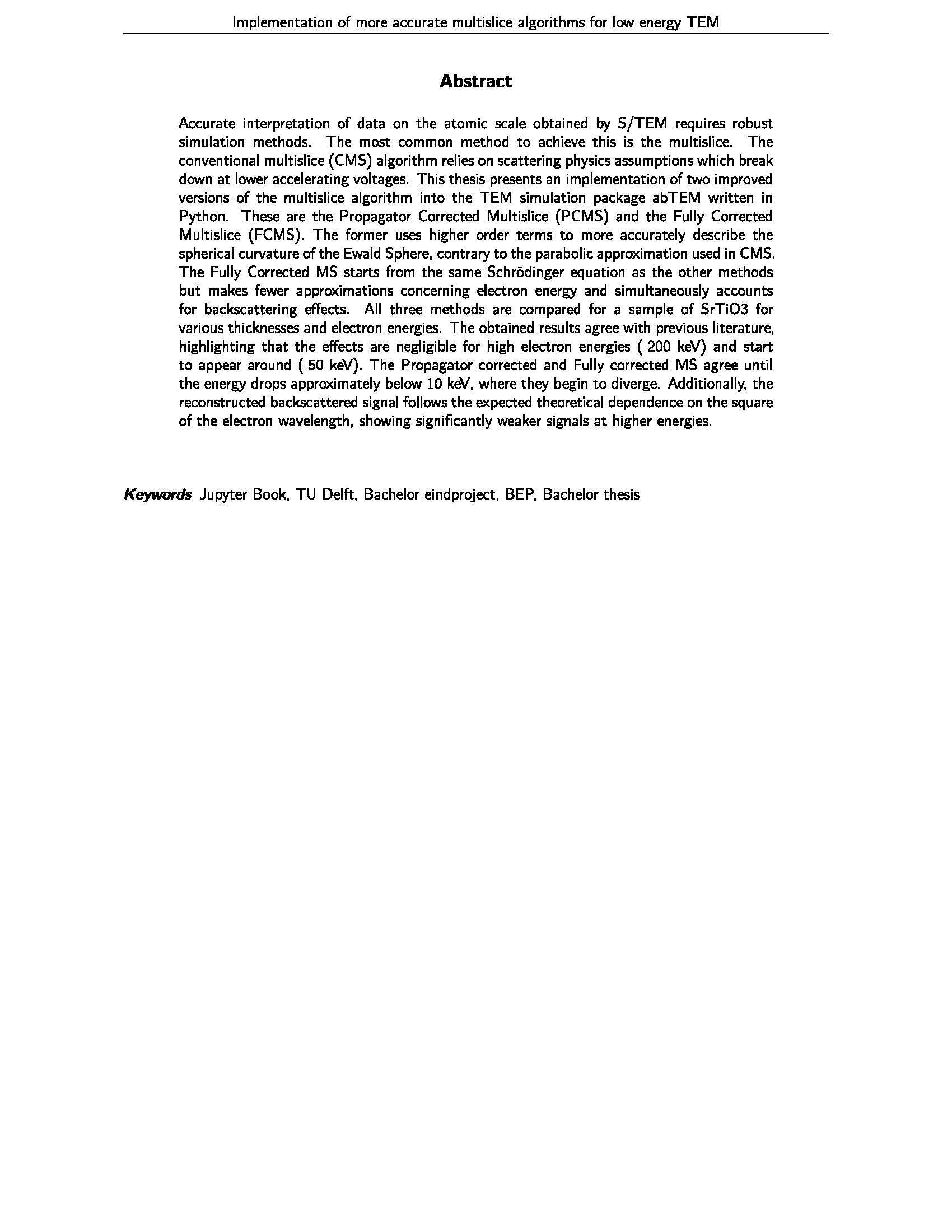
Figure 3:Abstract and keywords
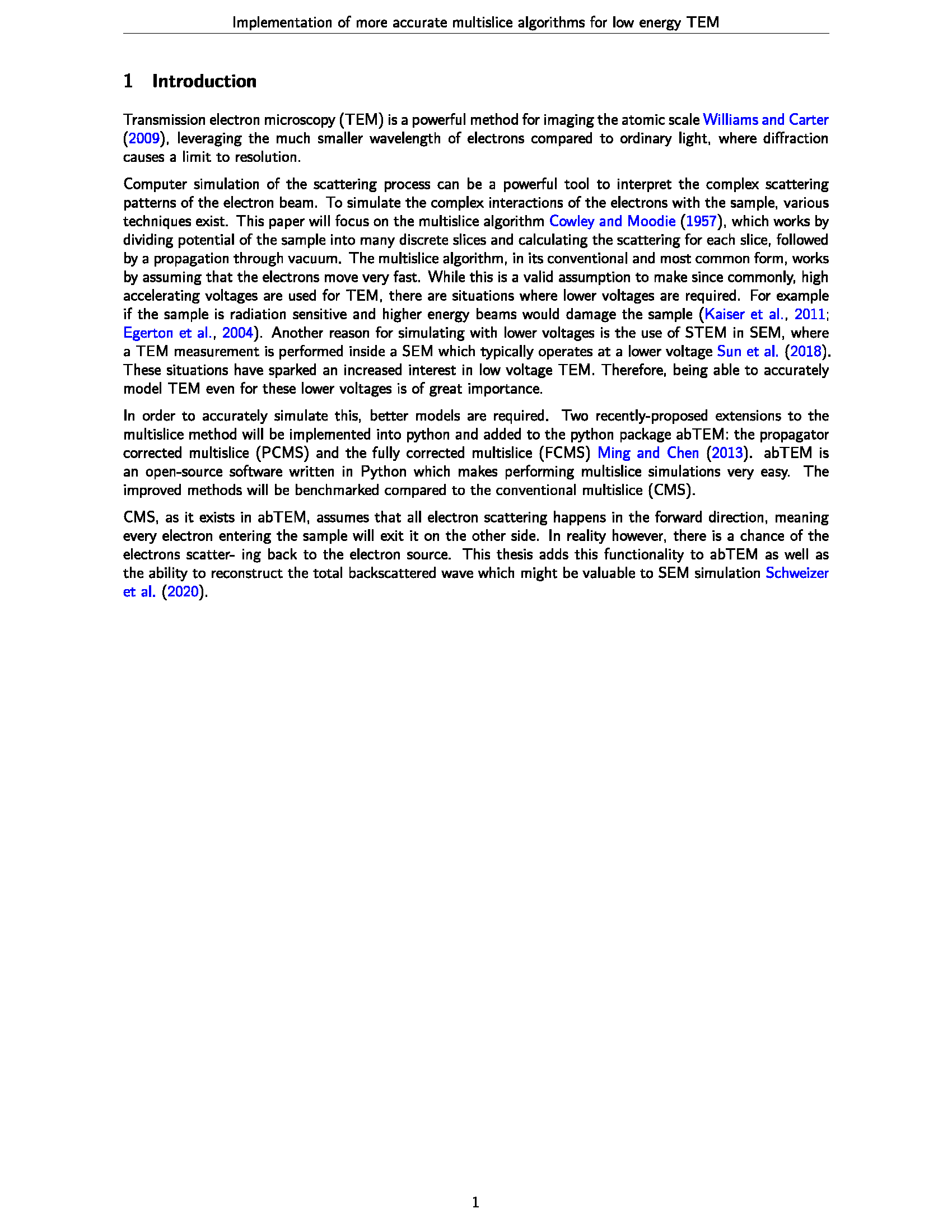
Figure 4:Introduction chapter
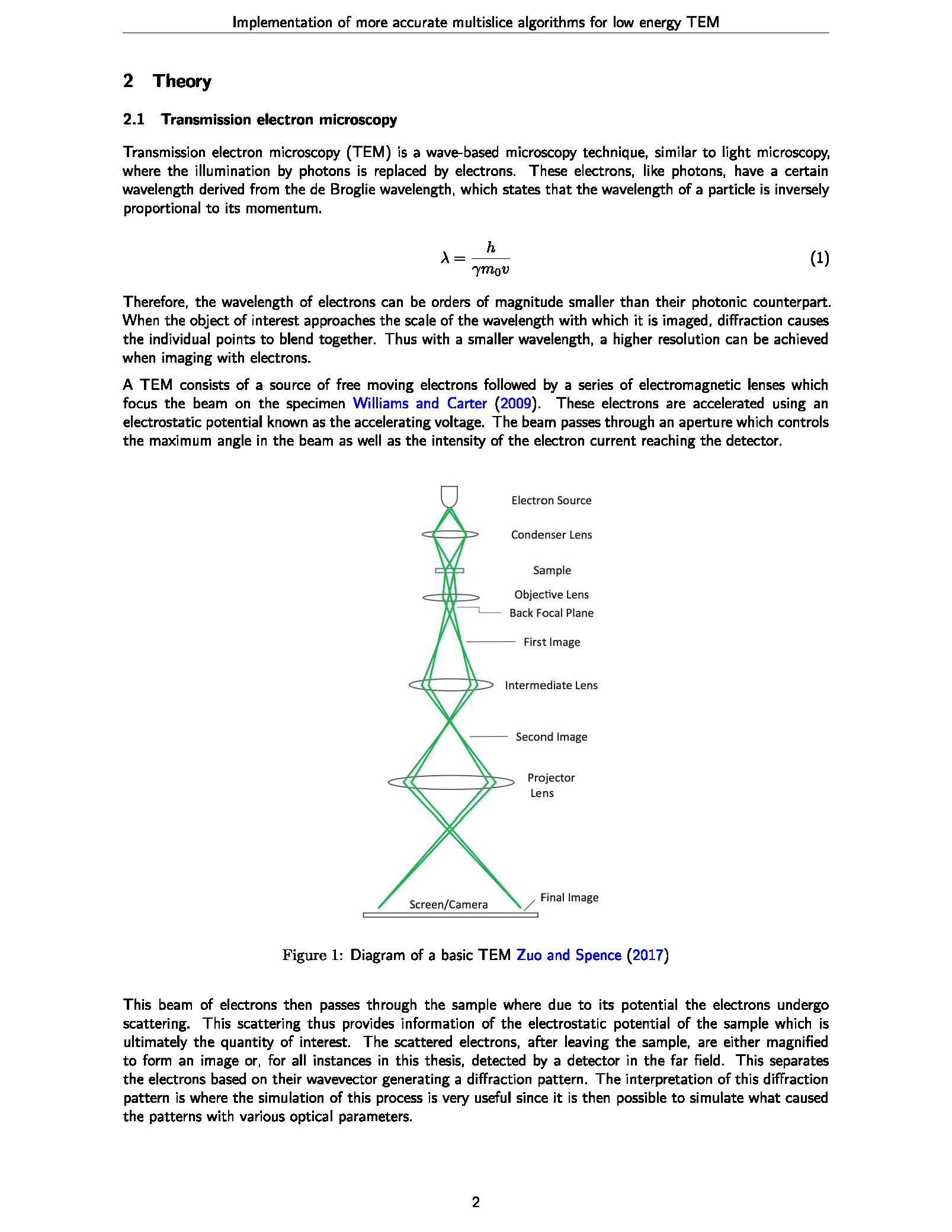
Figure 5:Theory chapter with display of figure and equation
Settings
Various options can be set in the export.yml file.
| id | type | default | description |
|---|---|---|---|
| link | string | none | Link to the article online as a footnote on the first page |
| showTOC | boolean | true | Whether to show the table of contents after the title page |
| tocDepth | number | 2 | The depth of the table of contents (e.g. 2 for sections and subsections) |
| cover | file | none | Path to an optional image for the title page (e.g. “images/front.png”) |
| cover_width | string | “0.9\linewidth” | Width of the cover image (e.g. “8cm” for 8 centimeters, “0.9\linewidth” for 90% of the line width) |
| cover_margin | string | “2em” | Vertical space between the title and the cover image (e.g. “2em” for 2em) |
| logo | file | none | Path to an optional logo image to be placed at the top of each page |
| logo_width | string | “1cm” | Width of the logo image in cm (e.g. “10” for 10cm) |
| margin_top | string | “2.5cm” | Top margin of the page (e.g. “2.5cm” for 2.5 centimeters) |
| margin_bottom | string | “2.5cm” | Bottom margin of the page (e.g. “2.5cm” for 2.5 centimeters) |
| margin_left | string | “2.5cm” | Left margin of the page (e.g. “2.5cm” for 2.5 centimeters) |
| margin_right | string | “2.5cm” | Right margin of the page (e.g. “2.5cm” for 2.5 centimeters) |
| papersize | string | “a4paper” | Paper size to be used (e.g. “a4” for A4 paper) |
| show_pagenumbers | string | arabic | Whether to show page numbers in the footer |
| fontsize | number | 20 | Font size to be used throughout the document (e.g. 12 for 12pt) |
| extra_information | string | “\u00A0” | Extra information to be placed on the title page (e.g. “Version 2.0, Draft, university, course”) |
| abstract | string | none | An abstract is a short summary of your research paper or report. A good abstract will prepare readers for the detailed information to follow, communicate the essence of the article and help readers take away and remember key points. max_words: 500 |
| acknowledgments | string | none | You can this section to highlight support such as; collaborations, data sources, funding sources, broader projects. This section will be places towards the end of the article with a subtitle - Acknowledgments. |